
What ChatGPT remembers (and forgets) about you
ChatGPT remembers more than your prompts. It logs your IP address, browser type, device, and the exact timestamps of every interaction. That happens even if you never create an account. The moment you hit enter, you hand over a fingerprint of metadata plus whatever you typed, uploaded, or pasted.
OpenAI splits the collection into two buckets:
- Personal information received automatically: device data, usage data, log data, location, operating system, and app version.
- Personal information you provide: account details, conversation history, feedback you leave, and any files you attach.
Both streams feed into systems with different ends, and that distinction should change how you use the chat bar.
One track uses your conversations to train future models. That is the track you can switch off. When you toggle “Chat history & training” off in settings, you stop new conversations from plugging into the model-improvement pipeline. No opt-out means your prompts become part of the dataset that teaches the next GPT model what good, bad, and average human interaction looks like.
The other track exists for safety monitoring, abuse detection, and legal compliance. Even with history disabled, OpenAI retains conversations temporarily to catch bad actors, respond to warrants, and keep the service running. A temporary chat, for instance, stays on the server for 30 days and then gets deleted. Standard chats with history off are still subject to retention for security reasons, just not for training.
That split explains why disabling history does not feel like a true delete button. You control whether your words sharpen the model. You do not control whether they pass through a safety log. The metadata stream, your IP, device, and interaction pattern, continues regardless because it is classified as automatically collected information, not user content. Knowing which bucket your next prompt falls into is the quickest way to protect what you share without quitting the tool entirely.
Free vs. Plus: The privacy trade-offs most users miss

Most users never see the privacy trade-offs between Free and Plus.
The main privacy difference between free and paid ChatGPT plans is whether your conversations are used to train OpenAI’s models by default. Free users must manually opt out through a separate privacy portal, while ChatGPT Plus and Pro subscribers get an in-app toggle that stops training usage, though it doesn’t delete already stored data instantly.
Free accounts have chat history and model training turned on, with no in-app toggle to disable either. By default, your prompts, uploads, and interaction patterns feed into improving future models. To stop this, you need to submit an opt-out request at privacy.openai.com. The opt-out is tied to the email address you provide, so if you use multiple accounts (for example, a personal phone and a work laptop on different logins), you must submit a request for each one. If you always sign into the same account on all devices, one request suffices. The request doesn’t delete existing chat history. Even after the opt-out is processed, conversations are still stored for safety and abuse monitoring. OpenAI retains the content temporarily (typically 30 days), and authorized personnel can access flagged conversations.
ChatGPT Plus and Pro subscribers get a simpler control: a “Chat history & training” toggle in settings. Flip it off, and OpenAI stops using your conversations to train its models. However, the data isn’t gone immediately, it stays on OpenAI’s servers for 30 days for abuse detection before deletion. Think of the toggle as a training off-ramp, not a delete button.
For brands handling sensitive customer data, the real privacy upgrade comes with ChatGPT Team and Enterprise plans. OpenAI doesn’t use those conversations for training, and admins can set custom retention periods. Through the API, organizations can even enable zero data retention for some endpoints: the model processes a request and then forgets it. For support teams feeding customer emails or account details into an AI workflow, that architectural choice separates a productivity boost from a compliance headache.
Your data’s journey: Where it goes, who sees it, and for how long
Every prompt you send to ChatGPT is logged permanently unless you manually delete it. Your chats, uploaded files, and the model’s replies become part of a permanent conversation record by default, tied to your account and accompanied by metadata such as:
- device metadata
- IP address
- browser type
- approximate location
The data leaves your device, reaches OpenAI’s servers, and stays there until you take action.
OpenAI retains every query and response indefinitely, until you manually delete it. When you delete a conversation, it immediately disappears from your sidebar and history, but the clean-up isn’t instant everywhere. Residual copies may remain in system backups, operational logs, and safety review processes until routine data hygiene cycles remove them.
When you disable chat history in settings, new conversations stop appearing in your sidebar and OpenAI no longer uses them for model training. However, the sessions are still logged and retained for a short period, a safety window that lets abuse monitors review them before permanent deletion.
Operator, OpenAI’s AI agent, retains deleted browsing histories and screenshots for 90 days, according to Nightfall’s 2025 analysis, three times as long as a standard ChatGPT session. As OpenAI’s product family grows, each tool writes its own retention rules, so control depends on knowing which one you’re using and what it keeps.
The hidden risks when you connect plugins and custom GPTs
Plugins and custom GPTs do not run in isolation; once connected, your chat data can leave OpenAI’s direct control. Most plugins need access to your messages to function, and that data can land on servers outside OpenAI’s privacy contract. For instance:
- A calendar plugin may upload your meeting notes to a developer’s cloud storage.
- A research tool might route business questions through an analytics pipeline in another jurisdiction. The Strac analysis flagged that plugins with excessive permissions can become exfiltration conduits, silently pulling sensitive snippets from your sessions.
Custom GPTs create a second exposure path. When you chat with a GPT someone else built, the creator gets access to your conversation logs by default. A malicious builder doesn’t need a warrant: they see what their interface shows. Any document you paste, any strategy you outline, becomes a potential leak, especially if the creator left prompt injection holes or neglected backend security.
Deliberate vetting, not blind trust, is the defense.
- Check each plugin’s privacy policy to see where your data goes and whether it is sold.
- Share only what a plugin strictly requires; don’t hand a PDF summarizer a full company report if a redacted sample works.
- Disable every plugin you aren’t actively using, a dormant integration is a forgotten backdoor.
- Enterprise accounts have sharper tools: admins can block all plugin installs or limit them to a curated allow-list, closing the shadow IT that turns one employee’s curiosity into a company-wide liability. On ChatGPT Team or Enterprise plans, your content is not used for training, but a rogue plugin still bypasses that guarantee, so the threat vector remains regardless of your subscription tier.
How to lock down your ChatGPT data (step-by-step)
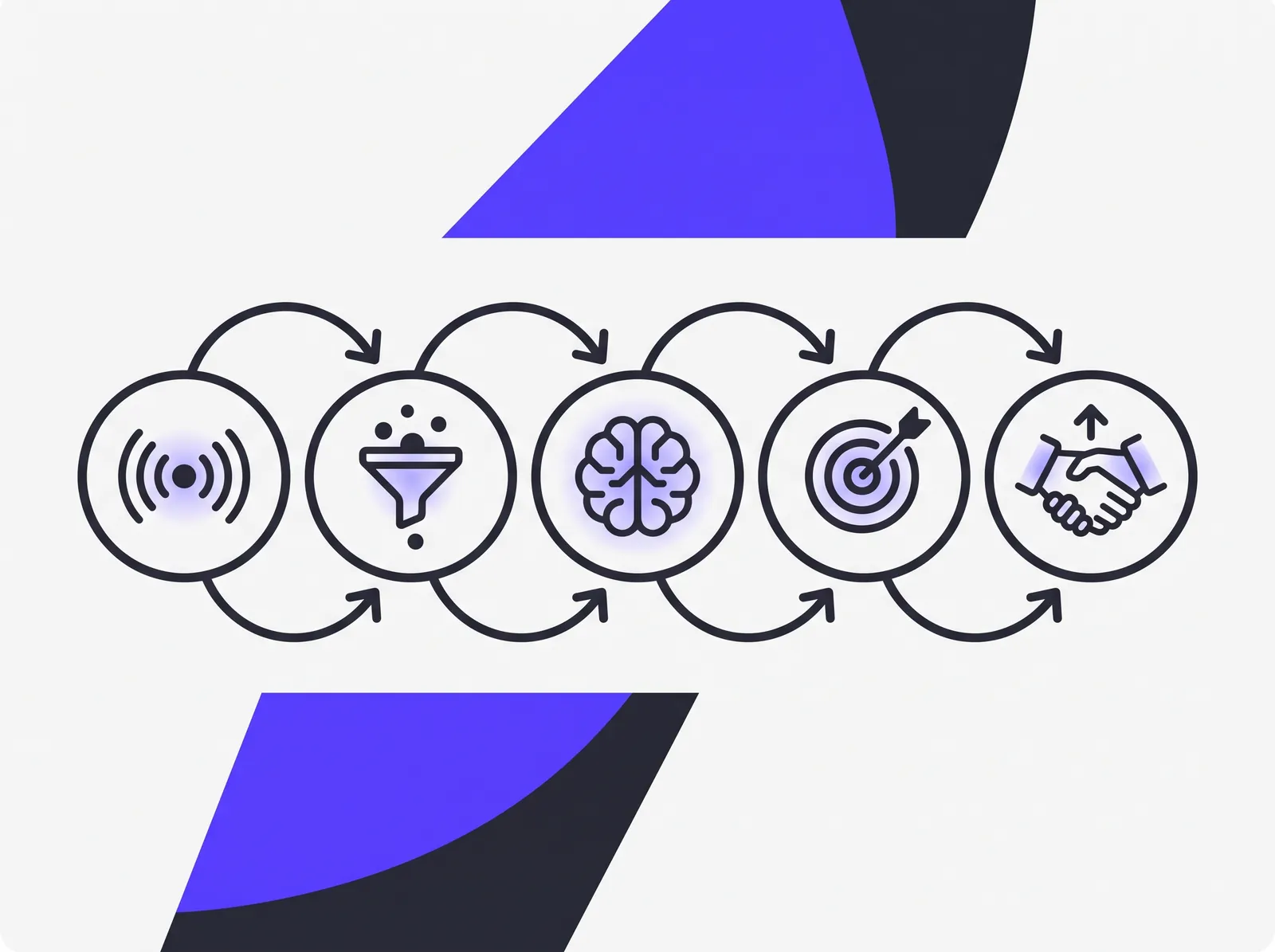
The steps to take control of what ChatGPT keeps.
Lock down your ChatGPT data by adjusting the privacy settings, stopping future training use, deleting old conversations, and requesting your data export. Here’s how to apply each control step by step.
-
Go to Settings > Data Controls. Click your profile icon in the ChatGPT web interface and navigate to Settings > Data Controls. That page holds every privacy toggle, so bookmark it mentally for revisits.
-
Turn off Chat History & Training. Flip the Chat History & Training switch to prevent new conversations from being logged for model improvement. After the toggle, chats become temporary and are discarded after the session ends, OpenAI will not use them for future fine-tuning. This is a forward‑looking setting only; it does nothing to past conversations, which you still need to delete.
-
Delete old chats that contain sensitive information. Hover over any conversation in the sidebar, click the three‑dot menu, and select Delete. Do this for every chat you wouldn’t want exposed in a future data leak. Deletions remove the thread from your account view immediately, but a propagation delay inside OpenAI’s databases means they won’t vanish from system backups right away. A thorough wipe still beats leaving old prompts around.
-
Export your data before deleting everything. Request a full data export from Settings. Within a few days you’ll receive an email with a downloadable JSON file containing your account information, conversation logs, and other stored snippets. This gives you a personal record while you tighten the locks.
-
Free users: opt out of future training at privacy.openai.com. Visit privacy.openai.com and submit a training opt‑out request. This fences off future data only, existing conversations already used for model training are not retroactively removed. ChatGPT Team and Enterprise plans skip training by default, and their admin panels add bulk privacy controls that keep employee conversations out of the improvement loop.
One hard truth: OpenAI’s policies reserve the right to hold residual copies in system backups for a limited period, and flagged safety reviews can still pull in content even after you hide it from view. Tightening these controls shrinks your exposure; it does not erase it. The only surefire guard is never typing sensitive information into the prompt box to begin with.
API vs. web: Different rules, different risks
OpenAI’s API and the consumer web app follow completely separate data-handling rules, with the API providing stronger privacy protections by default. On the web, your conversations can be swept into the training pipeline unless you opt out or are on a business plan that blocks it automatically. The API gives you a different rule set, and that privacy advantage is why most serious business deployments use it.
OpenAI’s Terms of Use draw a hard line: “We do not use Content that you provide to or receive from our API to develop or improve our Services.” That means prompts, customer data, and outputs submitted through the API are walled off from model training. The web app offers no such guarantee for free and Plus users who haven’t flipped the privacy toggle; every query on the consumer side is fair game for future model refinement.
Retention policies differ, too:
- Web conversations are stored indefinitely until you manually delete them.
- API data remains only for a short abuse-monitoring window before automatic deletion.
- Large enterprise customers can negotiate zero data retention (ZDR) through the API, so no request content persists on OpenAI’s infrastructure after the response is served.
For a fintech startup, a health-tech developer, or anyone moving regulated or proprietary data through the model, that architecture isn’t a luxury, it’s a compliance requirement. Prototyping in the web app might feel frictionless, but every line of sensitive prompt text becomes a permanent part of the conversation corpus. Shift that same workload to the API, even with a small integration cost, and you instantly inherit a privacy posture the web product can’t match. Confirm the latest data processing addendum in your enterprise agreement before committing; policy details evolve, and your contract, not a blog post, is the only document that binds OpenAI’s hands.
What happens to your data after a breach or deletion request
When you hit delete on a conversation, the data doesn’t vanish instantly. The deletion process isn’t immediate, and in the window before it completes, other forces can override your request entirely.
A recent U.S. court order compels OpenAI to preserve user data as evidence in ongoing litigation. This overrides the deletion queue. Conversations that would have been purged can be frozen for weeks or months longer, regardless of your deletion settings. If your prompts touch, even tangentially, on a topic involved in a legal dispute, that data may survive far beyond what the privacy dashboard suggests.
Before you delete anything, export your data. ChatGPT’s export function packages your conversation history, account details, and other stored information. Grab that file so you have a copy before you pull the trigger on removal. It turns data portability from a regulatory abstraction into a practical, self-service step that costs nothing and takes minutes.
Once you’ve exported, you can delete, but the process still has a long tail. Legal obligations, not just your clicks, now govern how long your words remain on OpenAI’s servers.
Safeguarding business secrets from ChatGPT’s memory

Business secrets flow into AI memory unless you contain them.
The most common leak starts when an employee copies a customer support thread containing names, order numbers, and addresses into a public ChatGPT window. Forcepoint’s analysis confirms that ChatGPT collects the prompt, uploaded files, IP address, device data, and location, everything fed into it, intentionally or not, and may use that conversation history to train future models. The employee rarely realizes that a single paste can send personally identifiable information into a shared model’s training data.
That exposure creates immediate compliance tension. Processing personal data without a lawful basis puts the organization at odds with GDPR and CCPA, a liability legal teams dread.
A harder-to-track risk follows: proprietary documents, source code snippets, internal financials, or unreleased product specs fed into a chat window with no audit trail. A trade secret pasted today could resurface in a competitor’s prompt six months later.
Technical controls provide the first line of defense. Data Loss Prevention (DLP) tools deployed on endpoints and SaaS traffic scan outgoing data for credit card numbers, medical identifiers, government IDs, and patterns the security team defines. They can flag, redact, or block sensitive content before it reaches the ChatGPT interface, turning the browser into a gated pipe.
Human habit needs retraining too.
- A clear, one-page AI usage policy that answers the silent employee question: “What am I actually allowed to paste in here?”
- A quarterly walkthrough using real, redacted customer data, examples of what must never leave an internal sandbox, so the rule becomes muscle memory.
- Regular audits: a simple monthly check for collaboration-tool integrations or unofficial browser extensions that might be tunneling data to public models.
This week, pull the three most sensitive documents your team handles and spend five minutes on a thought experiment: redact all personal information, then imagine sending that cleaned version through a secure AI environment that trains only on your data and never leaks a prompt back to a shared model. Could that output safely replace what gets pasted into a public chat today? If the answer is no, you have found the exposure point no DLP flag catches. Tell us about your brand; mapping that walled-off AI layer takes one conversation, not a checkout.